

10 Best Coding Toys for Young Children (2024 Expert Guide)
In our increasingly digital world, parents are often looking for ways to prepare their children for the future. You may have heard that STEM education is the key, but it can feel overwhelming to know where to begin. The truth is that the best way to introduce complex concepts is through the language of play. Coding toys for young children have emerged as a fantastic tool to bridge the gap between simple play and early technical literacy. You can further explore this field in our complete guide to STEM toys for kids of every age.
Coding is often referred to as a new literacy. Just as children learn to read and write to understand the world, learning the logic behind how technology works allows them to become creators rather than just passive consumers. When choosing the right tools, consider durability, whether the toy is age-appropriate, and if you prefer a screen-free experience or one that integrates with a tablet.
Benefits of Coding Toys for Early Development
Integrating coding toys for young children into your home routine offers more than just technical knowledge. These toys are designed to foster fundamental cognitive skills that will serve your child in every academic subject they encounter later in life.
One of the primary benefits is the development of logical thinking. When a child sets up a sequence of commands, they are effectively learning how to break a large goal into smaller, manageable steps. This is the essence of computational thinking. Furthermore, these toys teach resilience. In the world of programming, this is known as debugging. When a robot fails to move in the desired direction, children learn to analyze why it happened, adjust their approach, and try again without frustration. You can find more activities that sharpen these mental faculties in our list of 10 best STEM toys that improve logical reasoning skills in children.
Beyond logic, these toys enhance spatial reasoning. Whether moving a character across a grid or building a physical obstacle course, children develop a strong sense of spatial awareness. Creativity also blossoms as they find new, inventive ways to use their tools to solve problems or create stories.
How to Choose the Right Coding Toy for Your Child’s Age
Selecting the right product depends heavily on your child’s developmental stage. For preschoolers (ages 3-5), the focus should be on tactile, screen-free experiences. At this age, children learn best through cause-and-effect interaction. Look for toys that use physical buttons, blocks, or tiles to dictate movement. This keeps the experience tangible and grounded in the physical world. For more guidance, check our everything you need to know about choosing toys by age.
For early elementary children (ages 6-8), you can begin to introduce more abstract sequencing. These children are ready for toys that offer a progression, moving from simple commands to loops and conditional logic. At this stage, integrating a simple tablet app can provide a bridge toward more formal programming environments, provided the toy maintains a strong physical component.
Top 10 Best Coding Toys for Young Children (Reviews)
Based on our expert analysis of durability, educational value, and engagement, here are our top picks for 2024.
- Fisher-Price Code-a-Pillar: The best overall for toddlers. Its modular design allows children to physically see how the order of pieces changes the robot’s path.
- Learning Resources Botley 2.0: The best screen-free option. It is incredibly robust and teaches early programming logic without requiring a smartphone or tablet.
- Osmo Little Genius Starter Kit: Best for creative play. It blends physical tiles with digital feedback, making it an excellent choice for visual learners.
- Dash by Wonder Workshop: Best for advanced progression. This robot grows with your child, offering multiple apps and complex challenges as they get older.
- Cubetto by Primo Toys: A Montessori-inspired wooden robot that uses a coding board to move, making it perfect for tactile, screen-free instruction. Explore more options for this style in our guide to 10 Montessori toys that encourage independent play.
- LEGO Education Spike Essential: Ideal for building and programming integration, encouraging hands-on engineering.
- Sphero Indi: Uses color sensors to move, allowing kids to learn logic through physical car mazes.
- Code & Go Robot Mouse: A budget-friendly pick that provides an excellent introduction to logic puzzles and sequencing.
- Think & Learn Teach Tag: Great for interactive storytelling and pre-coding logic for the youngest learners.
- Makey Makey Invention Kit: Best for older kids looking to turn everyday objects into touchpads, fostering incredible creativity.
Tips for Parents: Getting the Most Out of Coding Toys
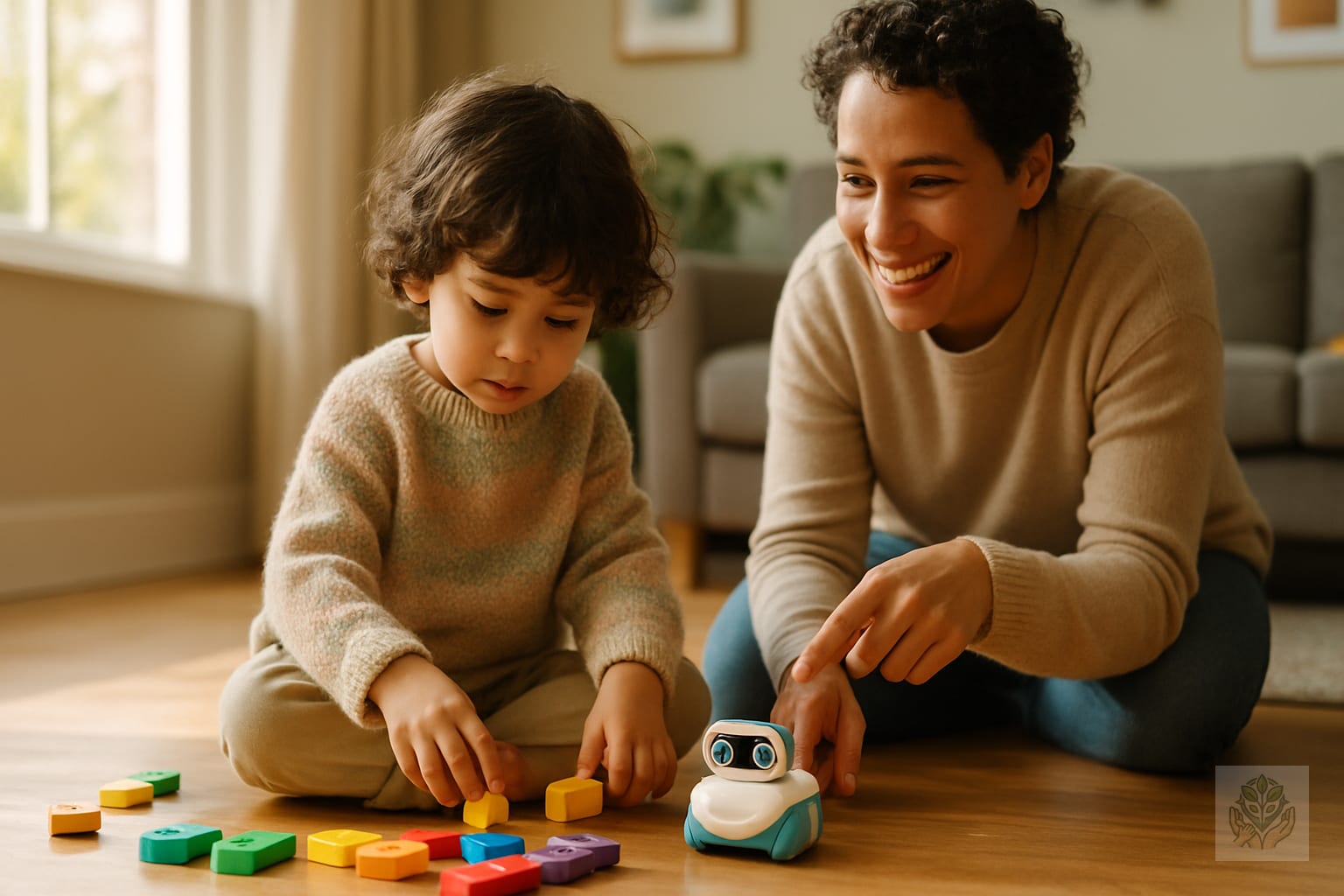
When introducing coding toys for young children, your role as a facilitator is crucial. It is tempting to step in and fix the code when a child gets stuck, but the real learning happens during the struggle. Instead of taking over, ask open-ended questions like, “What do you think would happen if we swapped these two blocks?” or “Why do you think the robot turned left instead of right?”
Frame failures as learning opportunities. Celebrate the “oops” moments as “bugs” that need to be hunted down. When you treat the process of debugging as a fun game rather than a failure, you build your child’s grit. Finally, integrate these toys into your daily routine. Set aside 15 minutes on a weekend for a “family coding session” where everyone takes a turn trying to navigate the robot through a homemade obstacle course. If you want to keep them active between sessions, try some of these 15 easy movement activities for kids at home to burn energy.
Frequently Asked Questions (FAQ)
- At what age should a child start learning to code? Most children can start interacting with logic-based coding toys as early as age 3.
- Are screen-free coding toys better than apps? For young children, screen-free toys are generally better because they prioritize physical interaction and fine motor skills.
- Do these toys actually teach real programming languages? They teach the logic and concepts behind programming, such as sequencing and loops, which are the foundations of all real languages.
Conclusion
Investing in coding toys for young children is one of the most effective ways to prepare them for a technology-driven future. By turning complex logic into interactive play, you are building more than just technical skills—you are nurturing problem-solvers, resilient thinkers, and creative innovators. Whether you start with a simple robot mouse or an advanced programmable kit, the most important step is simply starting today. Let their curiosity lead the way, and you will be amazed at what they can create. To ensure you have a balanced environment for learning, check out our tips on creating a balanced screen time routine for kids.
Frequently Asked Questions
At what age should a child start learning to code?
Most children can start interacting with logic-based coding toys as early as age 3, focusing on cause-and-effect and tactile sequencing.
Are screen-free coding toys better than apps?
For young children, screen-free toys are generally better because they prioritize physical interaction, spatial awareness, and fine motor skills.
Do these toys actually teach real programming languages?
They teach the logic and concepts behind programming, such as sequencing, loops, and debugging, which form the foundations of all real languages.
How do coding toys help with early childhood development?
They foster logical thinking, resilience through debugging, spatial reasoning, and creativity by turning complex problem-solving into fun play.
What should I look for when buying a coding toy for a preschooler?
Look for tactile, screen-free toys that use physical buttons, blocks, or tiles to dictate movement, keeping the experience grounded in the physical world.
How can parents help children use coding toys effectively?
Parents can act as facilitators by asking open-ended questions, encouraging problem-solving, and treating mistakes as fun bugs to fix together.